Back up automatically from day one
On install, BackupMaster captures all supported data as the first version. After that, backups run daily and create new versions only when something changes.
Read in docs →Version history for every supported item. Roll back specific products, themes, or metafields without touching the rest of your store.
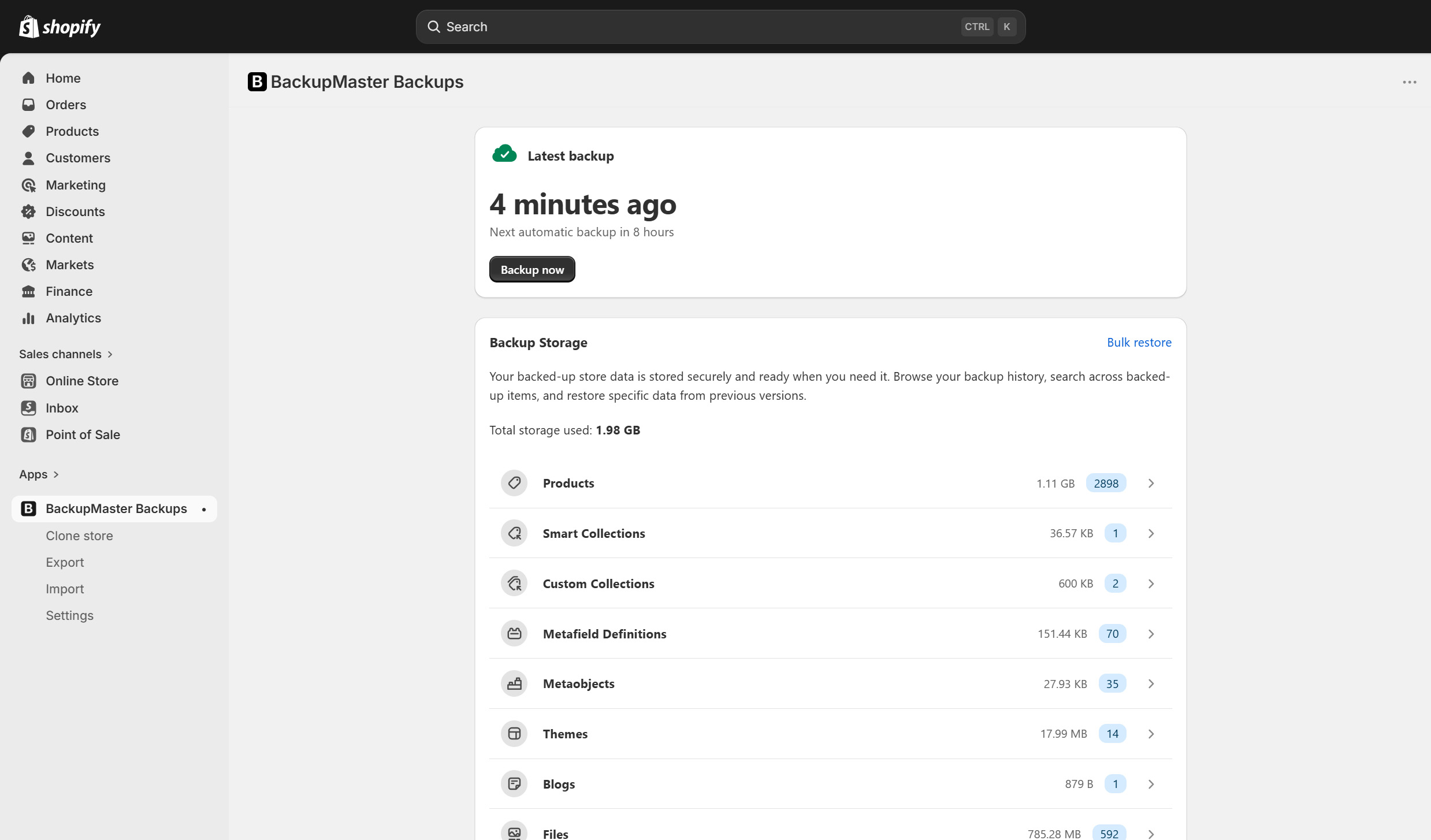
Create a version history of your Shopify data and restore specific items from it, without touching the rest of your store.
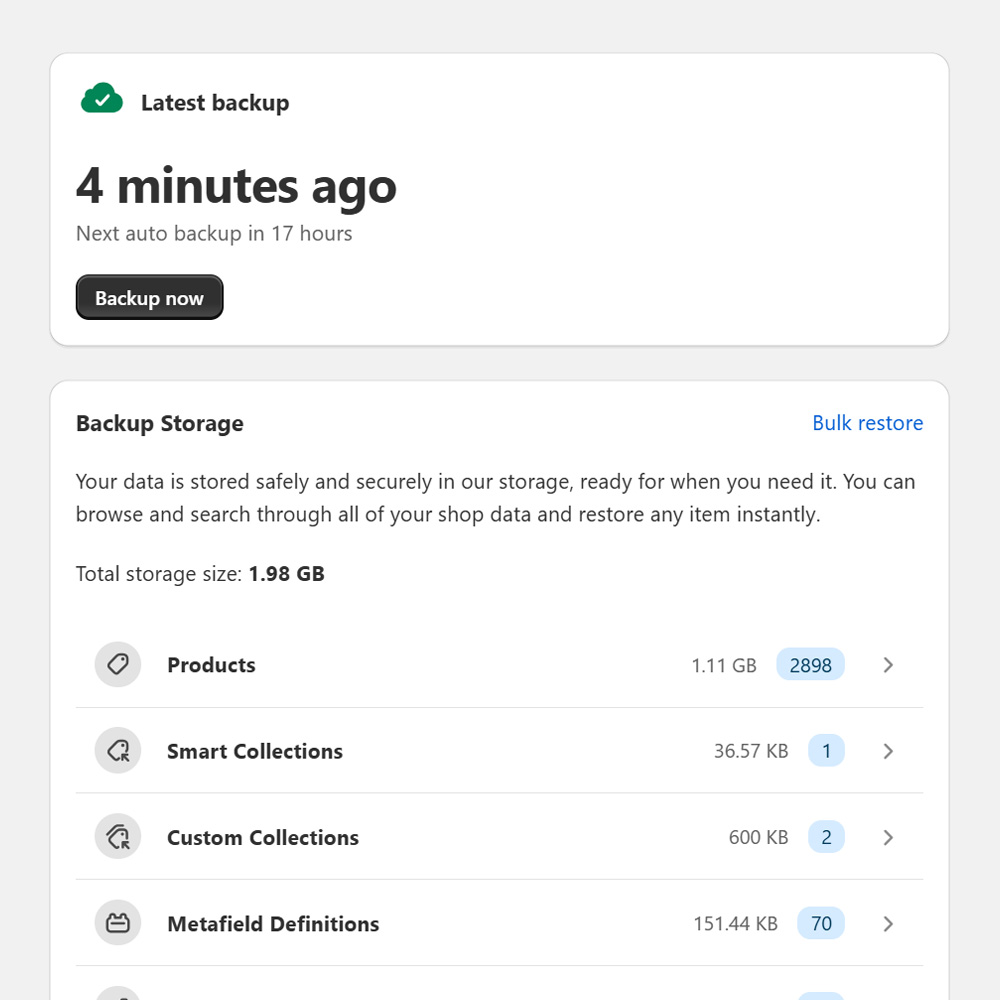
On install, BackupMaster captures all supported data as the first version. After that, backups run daily and create new versions only when something changes.
Read in docs →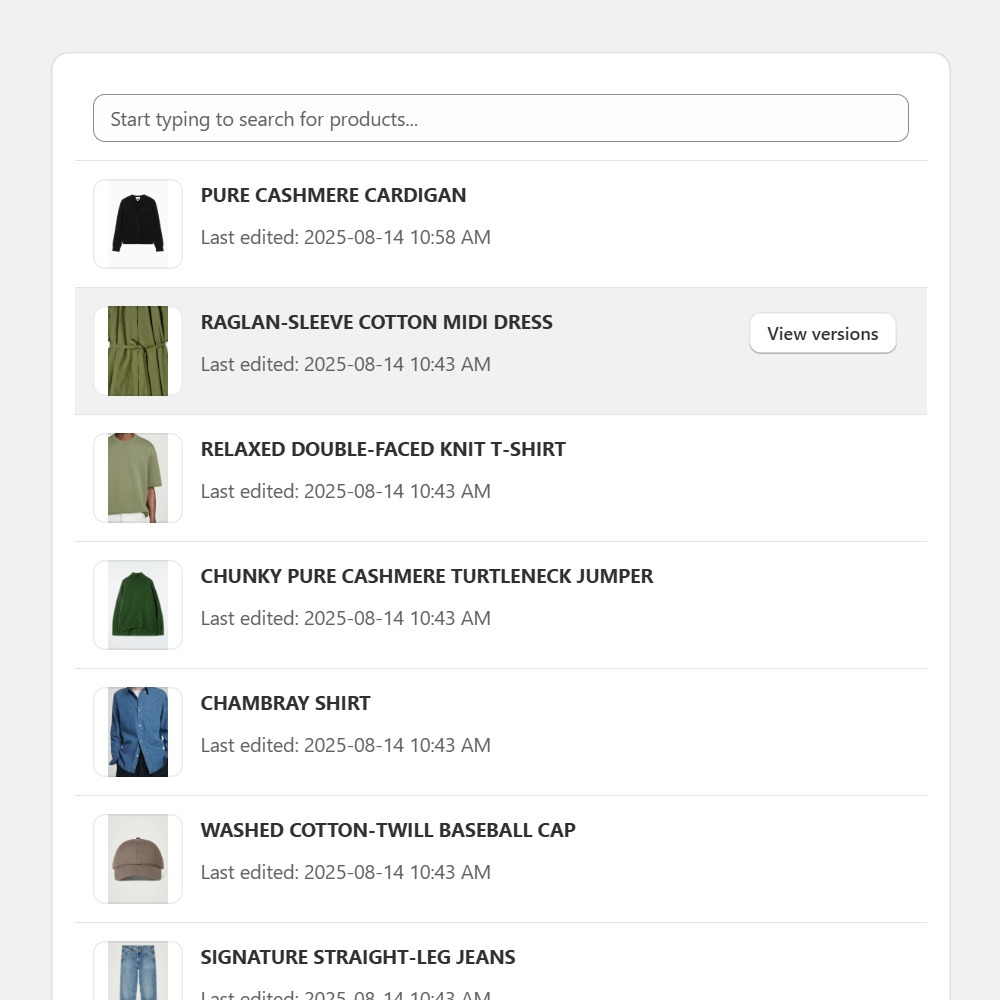
Products, themes, metafields, and other supported data are stored individually. You can open any item and view all its previous versions since install.
Read in docs →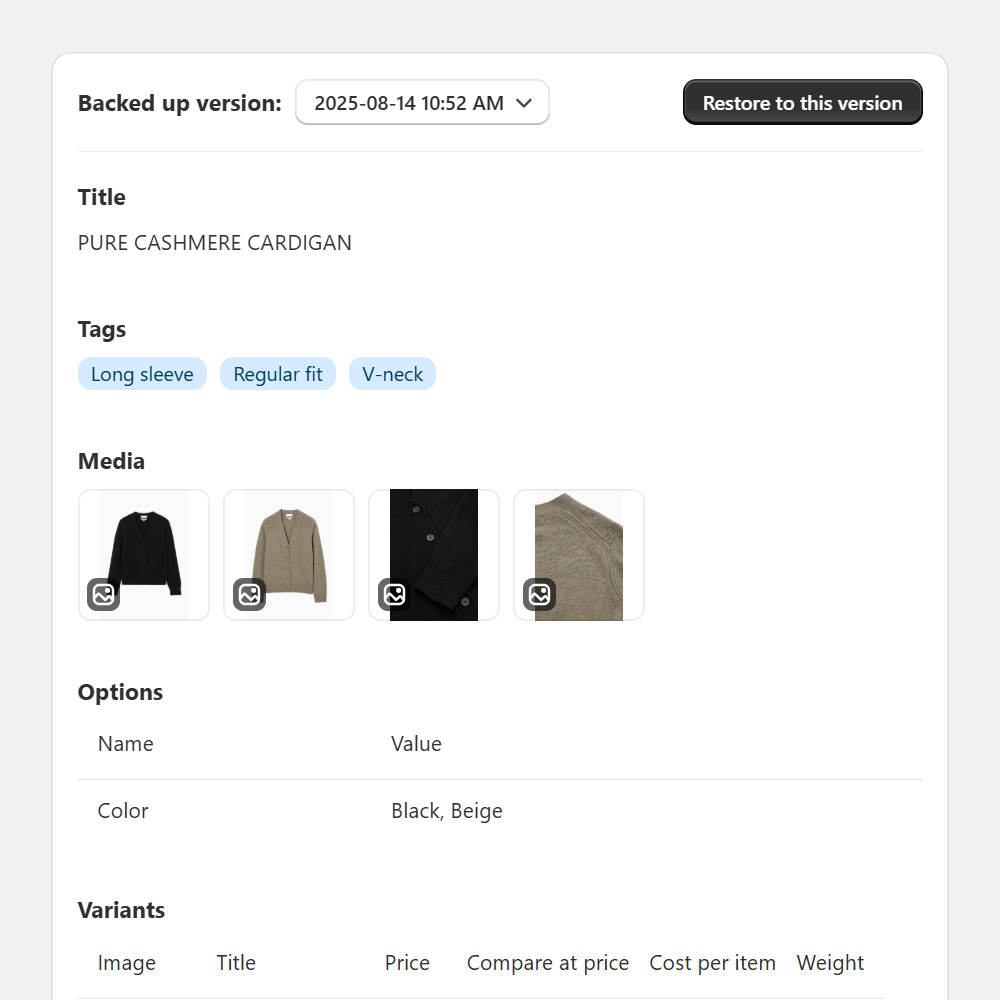
Restore a product, metafield, theme file, or an entire data set from a previous version. Nothing changes in your store until you confirm the restore.
Read in docs →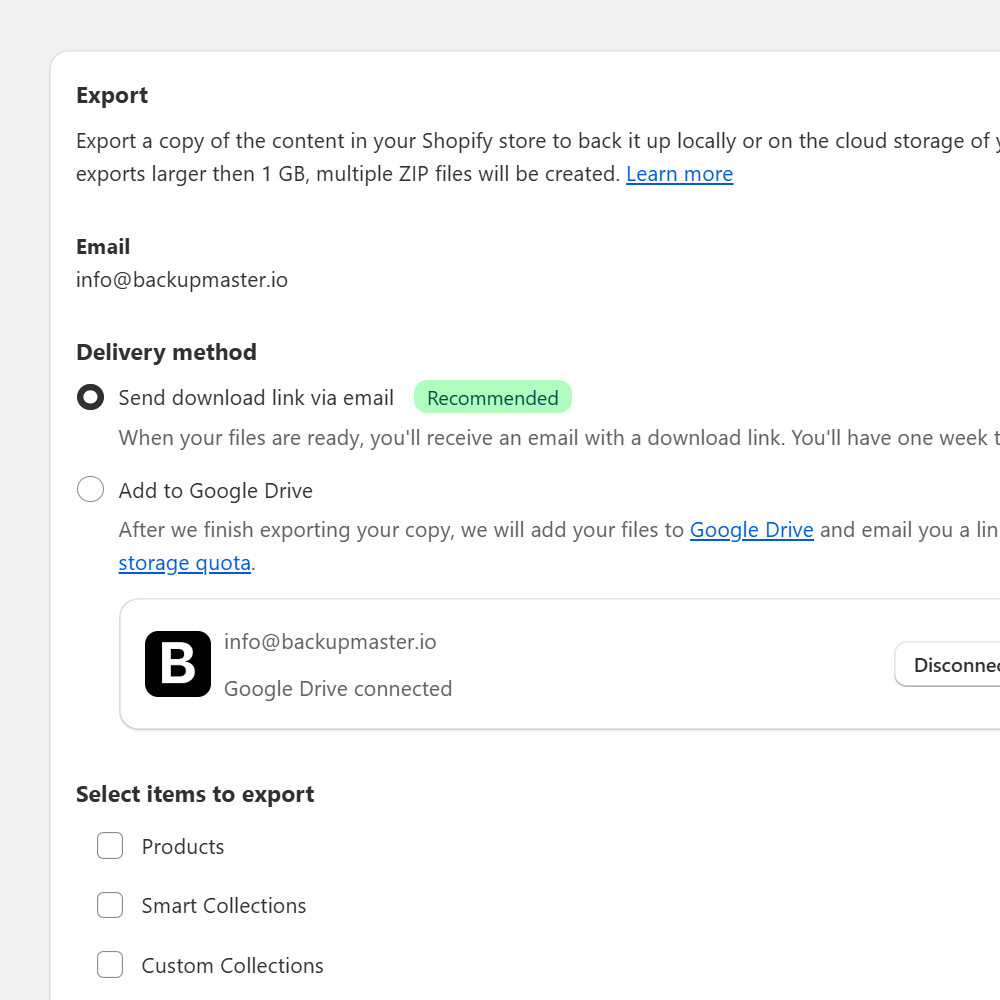
Download backups as ZIP files or send them to Google Drive. Useful for off-platform storage, audits, and compliance workflows.
Read in docs →Create staging stores, test changes, or launch new regions using your backups, without risking your live store.
Create a staging copy of your store. Test new themes, apps, or content without touching live data.
Run risky changes against a clone before they hit production. Theme rewrites, metafield migrations, and app integrations are good candidates.
Launch a new regional store, hand off a working sandbox to an agency, or move your catalog between stores.
BackupMaster backs up 19 Shopify data types. Restore and clone behavior vary by type. The table below shows what’s supported for each.
| Data type | Backup | Restore | Clone |
|---|---|---|---|
| Products | |||
| Collections | |||
| Inventory | |||
| Translations | |||
| Themes | |||
| Files | |||
| Blogs and blog posts | |||
| Pages | |||
| Menus | |||
| Metafield definitions | |||
| Metafields | |||
| Metaobject definitions | |||
| Metaobjects | |||
| Customers | |||
| Orders | — | — | |
| Locations | — | — | |
| Saved searches | — | — | |
| Policies | — | — | |
| Shipping zones | — | — |
We protect your backup data with audited processes, encrypted infrastructure, daily backups, and clear retention.
Our systems and processes are independently audited against the SOC 2 Trust Services Criteria. Reports are available on request under NDA.
We store backups on Microsoft Azure, encrypted at rest and in transit.
After the first backup on install, we back up supported Shopify data every day to build a reliable version history of your store.
We keep your backup history for one year, so you can roll back to previous versions when you need to.
Since 2017, more than 24,000 Shopify stores have used BackupMaster for daily backups, version history, and item-level restores. Reviews below are verified through the Shopify App Store.
“Has truly saved us multiple times — incredible safety feature. Backups can be restored in such specific and important ways that you always are able to have an oversight of your e-comm platform. 10/10.”
“This app saved our life — we had one code issue and if we didn’t have this app installed we wouldn’t have been able to quickly fix what was happening. Customer service is on point and the price is right for exactly what you get.”
“The best backup for Shopify stores. We’ve extensively tested apps and there is no comparison at any price. We used Rewind for 5 years — the features and customer service for BackupMaster are superior. Way more store data than any other app, including metafield data.”
Start with these six articles. Browse the full reference whenever you want to go deeper.
Your first backup runs the day you install. Daily versions follow from then on, retained for one year and ready to restore whenever you need them.