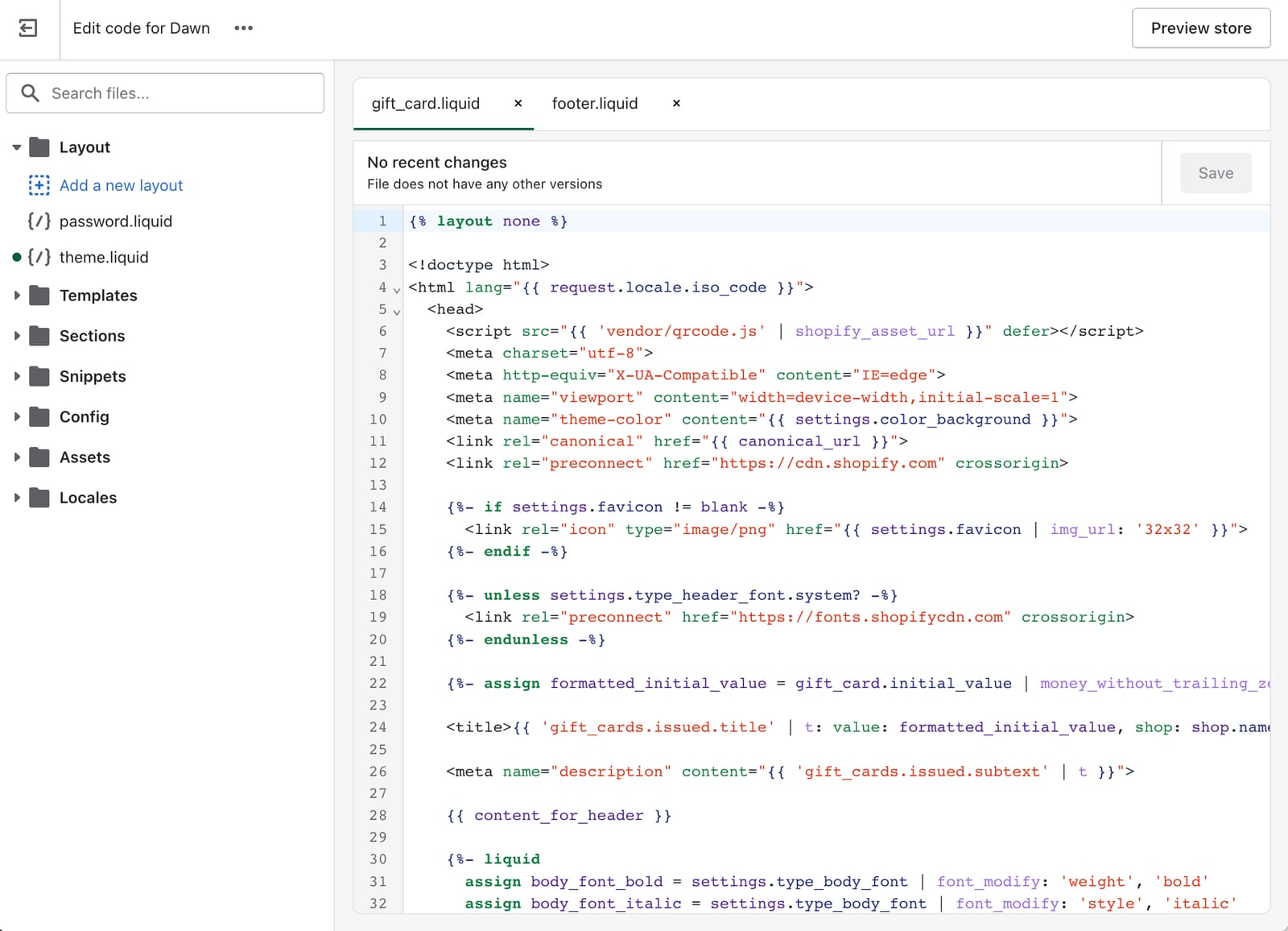
Themes are where most Shopify customization happens, and where most storefronts break. A misplaced Liquid tag, a missing bracket, or a script change that conflicts with an existing app can take the checkout offline without surfacing any errors in the admin.
This post covers what actually breaks when you edit theme code, a real example of a redesign that quietly killed the Add to cart button, and a workflow that catches problems before they reach customers.
What can break when you edit theme code
The most common failure modes:
- The Add to cart button stops working. Usually caused by Liquid changes to product templates or JavaScript edits that conflict with theme handlers.
- Checkout pages stop rendering. Often from CSS or Liquid edits that break the checkout extensibility hooks.
- The store works in some browsers but not others. Edits to scripts or polyfills can break older browsers or specific device classes.
- Pages render with broken layouts. CSS conflicts between custom edits and theme defaults.
- Apps stop appearing on the storefront. Theme blocks or app embeds get removed during edits without anyone noticing.
The common pattern: the edit deploys, the admin looks fine, and the issue only appears when a customer tries to buy something.
A real example: A spring redesign that killed Add to cart
May runs an online furniture and decor store on Shopify. Ahead of a spring sale, she hired a freelancer to refresh the theme. The new design looked great in the admin and on her phone.
A day after launch, sales dropped. Customers complained that the Add to cart button wasn’t responding. When May tested from her iPhone, everything worked. When she tested from her laptop, nothing did. The freelancer couldn’t reproduce it and took 4–8 hours to respond to each message.
The cause was a JavaScript change that conflicted with cart handling on desktop browsers but worked on mobile, where a different code path was triggered. Because May had a backup of the theme assets from before the redesign, she could roll back just the theme (not her product catalog or store settings) and get checkout working again while the freelancer fixed the underlying issue.
Why theme edits break stores
Three patterns account for most theme breakage:
Liquid edits that change template behavior. Product templates, cart templates, and checkout templates each have their own handlers. Removing a tag or changing an attribute can break the JavaScript that depends on it, without any error visible in the admin.
Custom JavaScript that conflicts with theme or app scripts. Themes ship with scripts that handle cart, search, and product variant logic. Adding custom JavaScript that fires at the wrong time, or that depends on selectors the theme has changed, breaks those flows.
Theme updates that bring in regressions. Even official theme updates occasionally introduce regressions. Custom edits layered on top make those harder to diagnose and harder to recover from.
A safer workflow for theme edits
Most theme breakage is preventable. A reliable workflow looks like this:
- Duplicate the theme before editing. In the Shopify admin, go to Online Store > Themes, then Actions > Duplicate. Work on the copy.
- Back up the original. Download the working theme as a zip file. If you use BackupMaster, theme assets are part of the supported coverage. See the docs for details.
- Use a staging store for larger changes. Don’t test customizations against the live theme. A staging store gives you a place to break things safely.
- Test across browsers and devices. Add to cart is the obvious one, but also check checkout, search, variant pickers, and any app blocks.
- Verify checkout end-to-end after every change. Place a test order. If checkout doesn’t complete, you find out before customers do.
- Publish to live only after testing. Don’t publish a freshly-edited theme directly to your live store without a staging check.
Choosing a safer starting point
Some theme decisions are made before any editing happens, and they affect how much trouble you can get into:
- Use themes from the Shopify Theme Store. Themes from Shopify and certified partners go through Shopify’s review process.
- Check for active maintenance. A theme that hasn’t shipped an update in a year is more likely to break with Shopify platform changes.
- Avoid nulled or pirated themes. They’re both a security risk and a support dead-end. You can’t escalate to the developer.
- Use Shopify’s built-in theme editor where you can. Visual customizations through the theme editor are far less risky than direct code edits.
What to do when something breaks anyway
Even with a careful workflow, theme issues happen. When they do:
- If you have a recent theme backup, restore the theme without touching products or other store data.
- If you don’t, check the previously-published themes in your Shopify admin theme library. Shopify keeps a small number of previously-published themes available.
- For more complex breakage involving multiple data types, restore from your most recent BackupMaster backup. Restore behavior is documented in the docs.
Bottom line
Theme edits aren’t inherently dangerous. They become dangerous without a duplicate, without a backup, and without testing across the surfaces customers actually use. The workflow above is most of the protection. A recent backup is the rest.
Try BackupMaster on your store →