A disclosure before anything else: we build BackupMaster, so we have a horse in this race. To keep this useful anyway, material feature, coverage, pricing, and review claims below come from the providers’ documentation and current Shopify App Store listings, with links so you can check for yourself. The article was originally researched on August 28, 2026, and its feature, pricing, and coverage claims were rechecked against public App Store listings and first-party documentation on September 1, 2026. Where a competitor is the better fit, we say so.
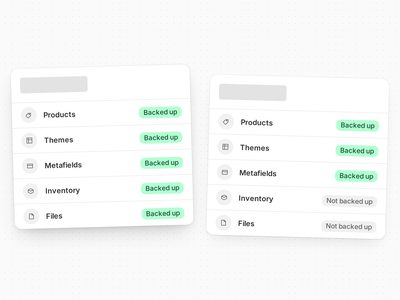
Some context on why this category exists at all: Shopify doesn’t keep a restorable backup of your store — deleted products are permanent, bulk edits have no undo, and most content types have no native export. We’ve written up the details in Does Shopify back up your store?
How we compared
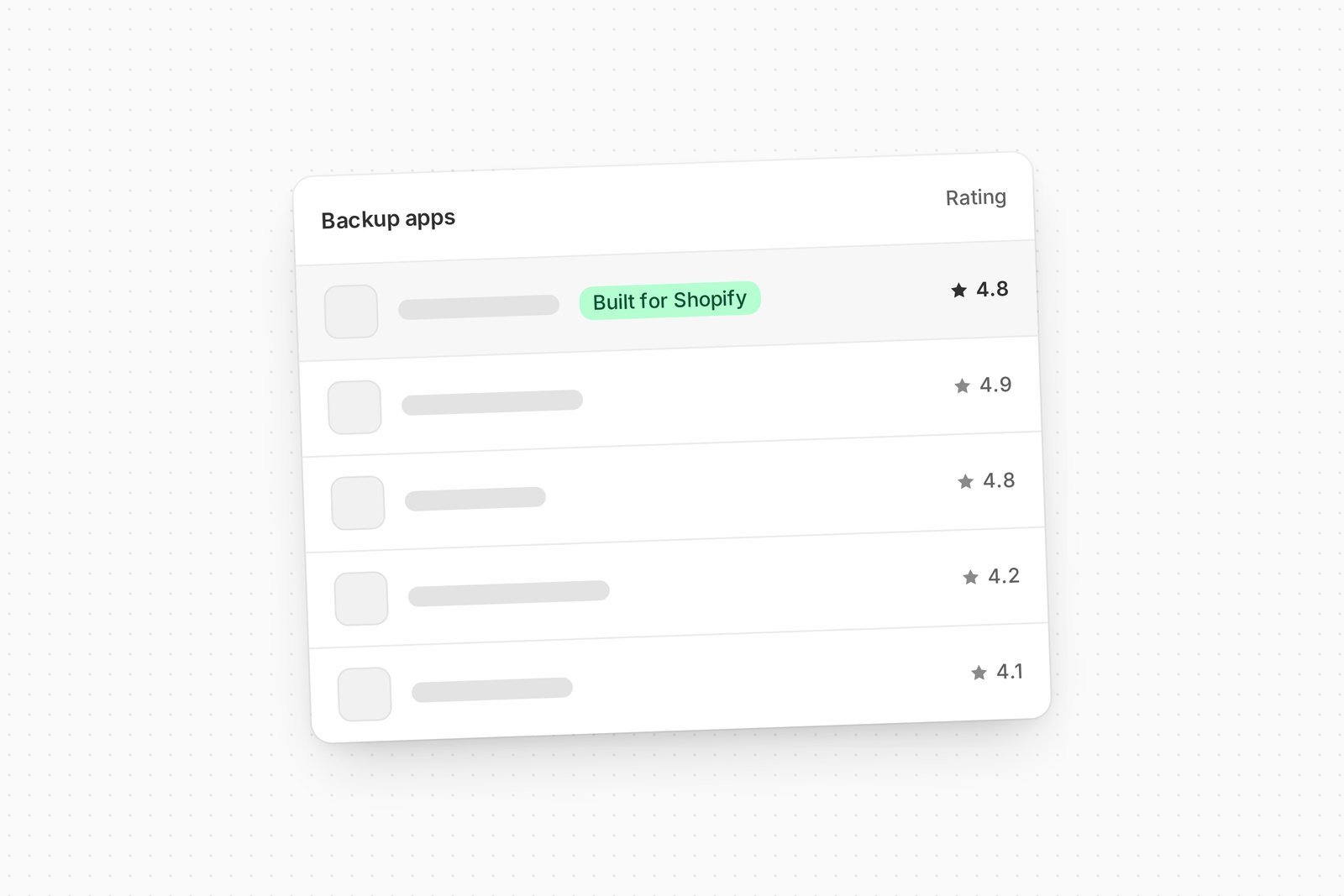
Ratings alone don’t separate these apps — what does is the model underneath. The questions that matter: Does it back up automatically, or only when you remember? Is restore a versioned, in-place operation, or re-importing files you exported earlier? How deep does coverage go — specifically metafields, metaobjects, menus, files, translations, and inventory, because that’s where products draw different lines? Can it copy data to another store? And has it been around long enough to trust with a year of your history?
One distinction matters before any table. BackupMaster, Rewind, TinyBackup, and Talon are versioned backup apps: history accumulates automatically, and recovery means selecting an item version inside the app. Matrixify and Filey are export and transfer tools: recovery means locating the right exported file and re-importing it. Both models can protect a store — they place the operational burden in different places — and this comparison treats them as the different categories they are.
The field at a glance
| App | Rating | From | Backup/export schedule | Recovery model | Store-to-store | Built for Shopify |
|---|---|---|---|---|---|---|
| BackupMaster | 4.8 (108) | $19/mo | Daily | In-app versioned restore | Yes, from Pro | Yes |
| Rewind Backups | 4.2 (546) | $19/mo | Daily + real-time items | In-app versioned restore | Separate app | Not displayed |
| TinyBackup | 5.0 (53) | Developer-only free plan; paid from $11/mo | Daily | In-app versioned restore | Not publicly listed | Yes |
| Talon Backups | 4.1 (35) | $9/mo | Daily | In-app versioned restore | Not publicly listed | Yes |
| Matrixify | 4.9 (1,447) | Free; $20/mo | Scheduled exports | File-based re-import | Yes, via files | Yes |
| Filey | 4.8 (213) | Free; $4.99/mo | On-demand export | ZIP export/import | Yes, via ZIP files | Yes |
Ratings, review counts, prices, and badges as displayed on each App Store listing, September 1, 2026. These drift — follow the links for current numbers.
Coverage across the versioned backup apps
The table above says coverage decides hard recoveries; this one shows it, for the four versioned apps, on the data types where products draw different lines. “Not publicly listed” means we couldn’t find the item documented in the vendor’s public materials — not proof the capability doesn’t exist.
| Data or capability | BackupMaster | Rewind | TinyBackup | Talon |
|---|---|---|---|---|
| Metafields | Backed up and restorable | Backed up on eligible plans; restores go through Rewind’s engineering team | Backed up on paid plans | On higher tiers |
| Metaobjects | Backed up and restorable | Backed up on eligible plans, with granular and advanced restores; some referenced fields can’t be restored | Not publicly listed | Not publicly listed |
| Files | Backed up and restorable | Listed as unsupported | Not publicly listed | Not publicly listed |
| Navigation menus | Backed up, restorable, and clonable | Backed up; not automatically restored | Not publicly listed | Not publicly listed |
| Translations | Backed up and restorable | Backed up; not automatically restored | Not publicly listed | Not publicly listed |
| Inventory | Backed up; quantities restore via a documented CSV workflow | Listed as unsupported | Not publicly listed | Not publicly listed |
| Self-service item restore | Yes — individual or bulk, with a pre-restore comparison | Yes for core types; several types require support or engineering | Yes | Yes — by date or single record |
| Store duplication | Yes, from Pro | Rewind Staging — separate app or Protection Suite, from $99/mo | Not publicly listed | Not publicly listed |
Sources: BackupMaster’s coverage reference, Rewind’s coverage reference, and the TinyBackup and Talon App Store listings, as retrieved September 1, 2026.
BackupMaster
Ours. BackupMaster runs automatic daily backups of supported store data, keeps a version history for every item, and restores individually or in bulk — including a restore-only-deleted-items mode — with a side-by-side comparison before you confirm. Coverage reaches the types that decide hard recoveries: metafields, metaobjects, menus, files, translations, and per-location inventory, with the full matrix published in the coverage reference. Store-to-store cloning comes with the Pro plan. Plans start at $19, with Pro at $39 and Plus from $79; higher-volume Plus tiers are available, and all paid plans include 1-year retention. The app is SOC 2 audited annually, hosted on Azure, and — a point of pride — carries the Built for Shopify badge. Shopify’s blog on backup apps lists it among the available options.
The limits: BackupMaster runs automatic daily backups and supports on-demand backups before risky changes; it does not claim continuous, real-time protection. Inventory recovery uses a documented CSV workflow rather than a one-click restore. Orders are backed up and remain exportable, but BackupMaster does not restore or clone them.
Rewind Backups
The category pioneer, on the App Store since 2016, with the largest review base among the versioned backup apps compared here (546). Rewind backs up some items in real time as they change, bundles Klaviyo and Mailchimp backups into its Shopify plans, and offers a Protection Suite with storefront monitoring and bulk-change alerts — a broader adjacent protection suite than the backup-only products reviewed here.
Check the coverage edges against your store, though: Rewind’s own documentation lists product inventory and Files-manager files as not backed up, groups menus, translations, orders, and policies as backed up but not automatically restored, and notes metafield restores go through their engineering team. Store copying is a separate $99/month app or the Protection Suite. The full side-by-side is in BackupMaster vs. Rewind.
TinyBackup
The budget pick: paid versioned-backup plans start at $11/month, with a perfect 5.0 across 53 reviews and a Built for Shopify badge; a developer-only free plan covers up to 50 products with one month of history. Two things should decide whether it’s enough for your store. Its public listing names products, orders, collections, pages, blogs, customers, themes, and metafields, with metaobjects, menus, files, translations, and inventory not listed and store-to-store copying not advertised. And the operating history is short: launched in 2024, in a category where the product’s job is holding a year of your history and where apps come and go — see the note on older roundups below.
Talon Backups
A quiet long-timer, on the App Store since 2017, with daily automatic backups, restore by date, and single-record recovery from $9/month. Its listing names themes, products, collections, orders, customers, blogs, and pages, with metafield backups on higher tiers; store duplication isn’t publicly listed. The review base is small (4.1 stars, 35 reviews) and the feature surface is simpler than the leaders’, but it’s a functioning, established option at a low price.
Matrixify
The power tool. Matrixify (4.9 stars, 1,447 reviews; free plan, paid plans from $20/month) is primarily an export, import, and migration platform. It supports scheduled exports and imports across a broad range of Shopify data — its listing names products, orders, draft orders, customers, companies, discounts, pages, blogs, redirects, files, metaobjects, metafields, navigation menus, and translations, and its Products sheet carries per-location inventory quantities. Recovery means locating and re-importing the right exported dataset rather than selecting an item from a browsable version history. Its Files export contains Shopify CDN links; merchants who want independent copies of the underlying files must download them separately using Matrixify’s documented workflow. The two models can complement each other: Matrixify for data operations and a versioned backup app for automated history and item-level recovery.
Filey
A specialist: Filey (4.8 stars, 213 reviews; free plan, Pro at $4.99/month) is an on-demand content export and transfer tool. It exports files, product media, blogs, blog posts, pages, and navigation menus into downloadable ZIP files that can also be uploaded to another store. Its listing doesn’t advertise scheduled backups or version history, so it’s better understood as a portable content backup and transfer utility than as a continuous, versioned store backup — and it remains a useful complement for exactly the content some backup apps skip.
A note on older roundups
If you’re cross-checking other lists, note that Backups by Goshu — a fixture of earlier roundups, including Shopify’s own blog post — is no longer available on the App Store as of August 2026. Which is itself a useful reminder: new backup apps enter the App Store every year, and even established ones can leave it. Part of what you’re buying in a backup app is the vendor still being there, with your history, years from now — operating history counts for more in this category than in most.
How to choose
Merchants who need automatic version history and self-service rollback should first compare BackupMaster, Rewind, TinyBackup, and Talon. If your store depends on files, menus, metaobjects, translations, metafields, or inventory, compare the published coverage documentation carefully — that’s where the differences become substantial: list the data types your store depends on, then read our coverage page and Rewind’s against that list. Matrixify is suited to spreadsheet-based operations, scheduled exports, and migrations; Filey is useful for downloadable content and media transfers. Each of the four versioned backup apps offers a seven-day trial, so merchants can compare what is captured and how recovery works before committing.
Spot an error or something out of date? Email support@backupmaster.io and we’ll fix it.
Start your free trial of BackupMaster today →